
Jujutsu Incremental Controls
Same actions on four devices so a mixed party can still open Settings, rolls, and raid ready-up.
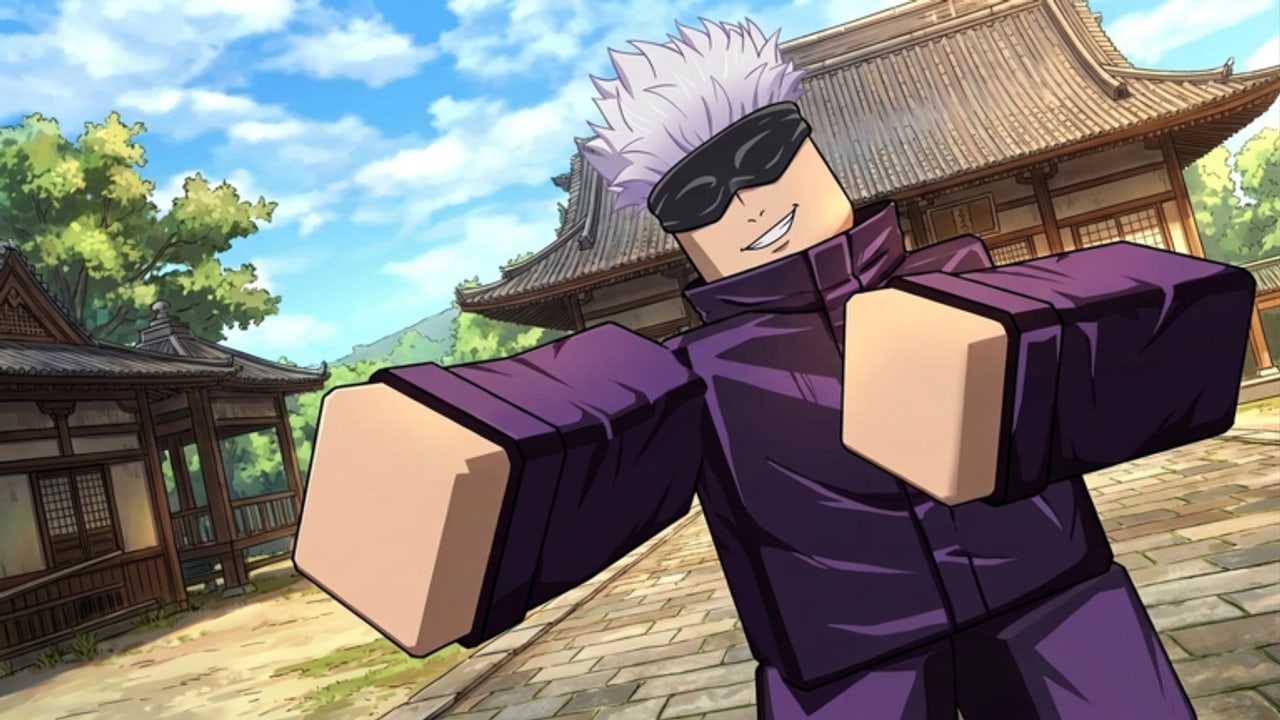
Jujutsu Incremental is listed for Desktop, Mobile, Xbox, and PlayStation. That sentence is why co-op nights die in the menu. A PC host pings “open Settings” and the PlayStation player opens the Roblox overlay instead. This page maps the same actions across devices so codes, rolling, quests, and raid bosses stay possible for the whole four-stack.
Candescent Games can move buttons in UPD 2. If a label below does not match your HUD, trust the job (open Settings, open rolls, ready up) and hunt the gear icon, not a pixel coordinate from a YouTube video filmed in another idle.
Universal HUD jobs
Every device needs to do six things:
- Move and camera.
- Fire the Technique.
- Open Settings (codes live here — how to redeem).
- Open roll menus for Technique, Clan, and Trait.
- Open quest log.
- Queue or ready for a raid with up to four players.
If you cannot do all six, you are not raid-ready. Train instead. The session checklist includes a controls tick for this reason.
Desktop
- Move — WASD or stick if you use a gamepad on PC.
- Camera — mouse. Invert in Settings if you are coming from a console.
- Technique — mouse click or the on-screen skill cluster. Do not bind it to the same key as the Roblox menu.
- Settings — gear / menu cluster on the HUD, not the Roblox escape menu. Escape is how you leave the experience.
- Chat — needed for raid jobs (carry, anchor). Bind it somewhere you will not press during a burst window.
PC players should be the ones sharing screenshots of Settings, because they can paste codes fastest. That does not make them raid lead by default. Kits still follow the tier list.
Mobile
- Move — left virtual stick. Slide, do not tap each step.
- Camera — right-side drag. Lock rotation if you keep firing into the floor.
- Technique — large skill button. Move it in any layout editor the client offers so your thumb does not cover the raid telegraph.
- Settings — often behind a hamburger or gear. Scroll; the code row hides under graphics sliders.
- Paste — long-press. Typing a case-sensitive code on a phone is how
Release!becomesrelease.
Play in landscape for raids. Portrait is fine for training and for reading this wiki on the getting started page.
Xbox
- Move / camera — left and right sticks.
- Technique — right bumper or face button depending on the current HUD. Test on a dummy, not on the boss.
- Settings — start / menu, then the in-experience gear, not Xbox Home.
- Text — on-screen keyboard. Codes are case-sensitive; take your time.
- Party — Roblox party and in-game four-player team-up are different layers. Being in an Xbox party does not put you in the raid stack.
If the virtual cursor exists, use it for Settings. If it does not, tab widgets with D-pad.
PlayStation
Same split as Xbox with PlayStation labels (Options versus Start, touchpad click sometimes opens Roblox overlay). The overlay is the number-one way PlayStation players accidentally leave a raid. Practice closing overlay without closing the experience before you queue.
Touchpad click should not be your Technique. Bind combat to face buttons and bumpers so a nervous tap does not open Roblox Home mid-enrage.
Mixed-device raid rules
- Call jobs, not key names. Say “press Technique” not “press Q.”
- The console player readies last so they are not stuck in a keyboard overlay.
- The mobile player stands slightly off-center; thumbs cover the bottom of the screen where telegraphs often spawn.
- If someone cannot open Settings, they skip codes until after the raid. Do not hold four people for a paste.
Accessibility and comfort
Lower graphics if telegraphs stutter. Incremental RPGs still have AoE. A pretty shrine courtyard from the overview art is not worth a missed dodge. Invert camera in Settings the moment you feel sick; do not “get used to it” during a boss.
If a patch remaps bumpers, note it in party chat and then check updates. For the loop those buttons feed, read how to play. For kits worth pressing, best builds.
Frequently Asked Questions
Quick answers to the most common questions.
Where is the code box on mobile?
Inside in-game Settings, often below graphics toggles. See how to redeem. It is not a Shop tab.
Can Xbox and PC raid together?
Yes. The listing includes both. Assign jobs in chat and read raid bosses.
PlayStation overlay keeps closing my game.
Do not bind Technique to the touchpad. Practice overlay close before you queue. The session checklist has a controls tick.
Did UPD 2 change binds?
Menus can move. Check UPD 2 if a gear icon vanished, then hunt by job, not by old screenshots.